
Lofting
Copy a web page into Figma as layers you can edit. Click the button, then paste.
For Chrome and Firefox. Free, with no account.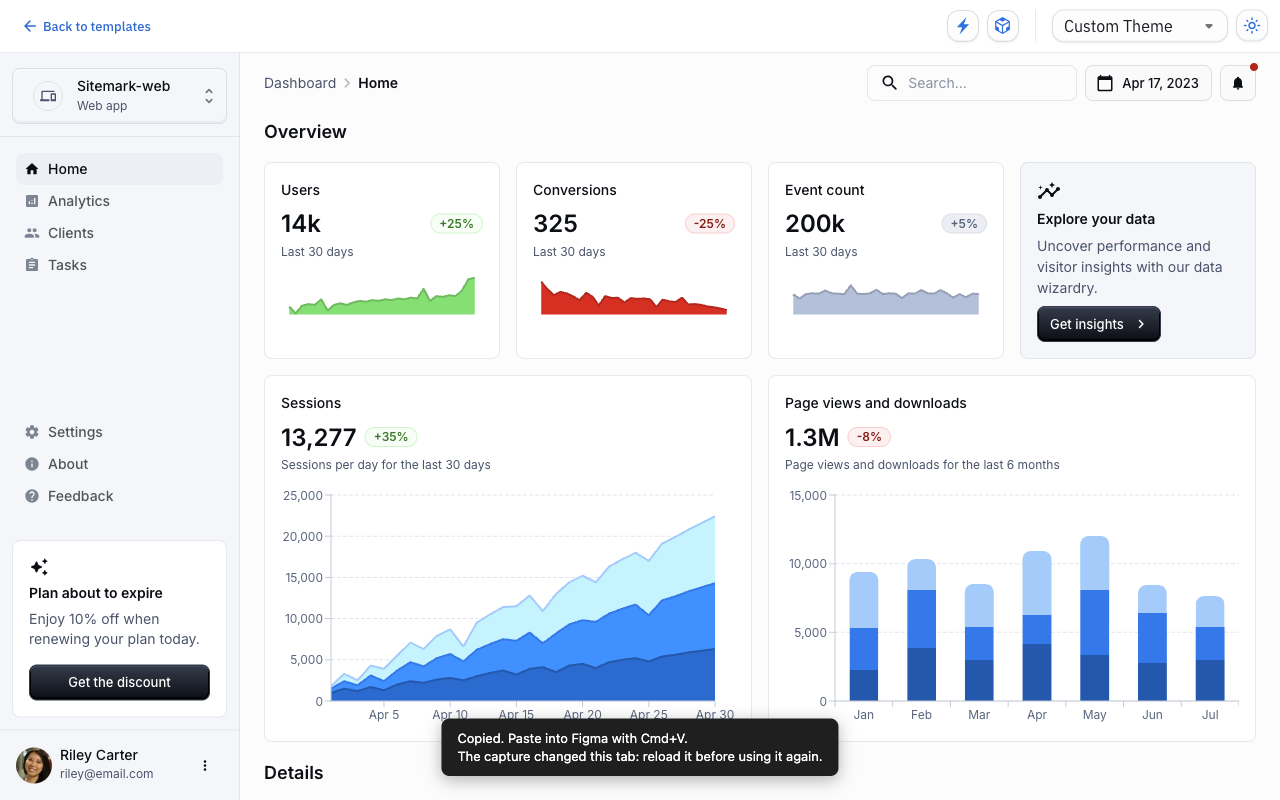
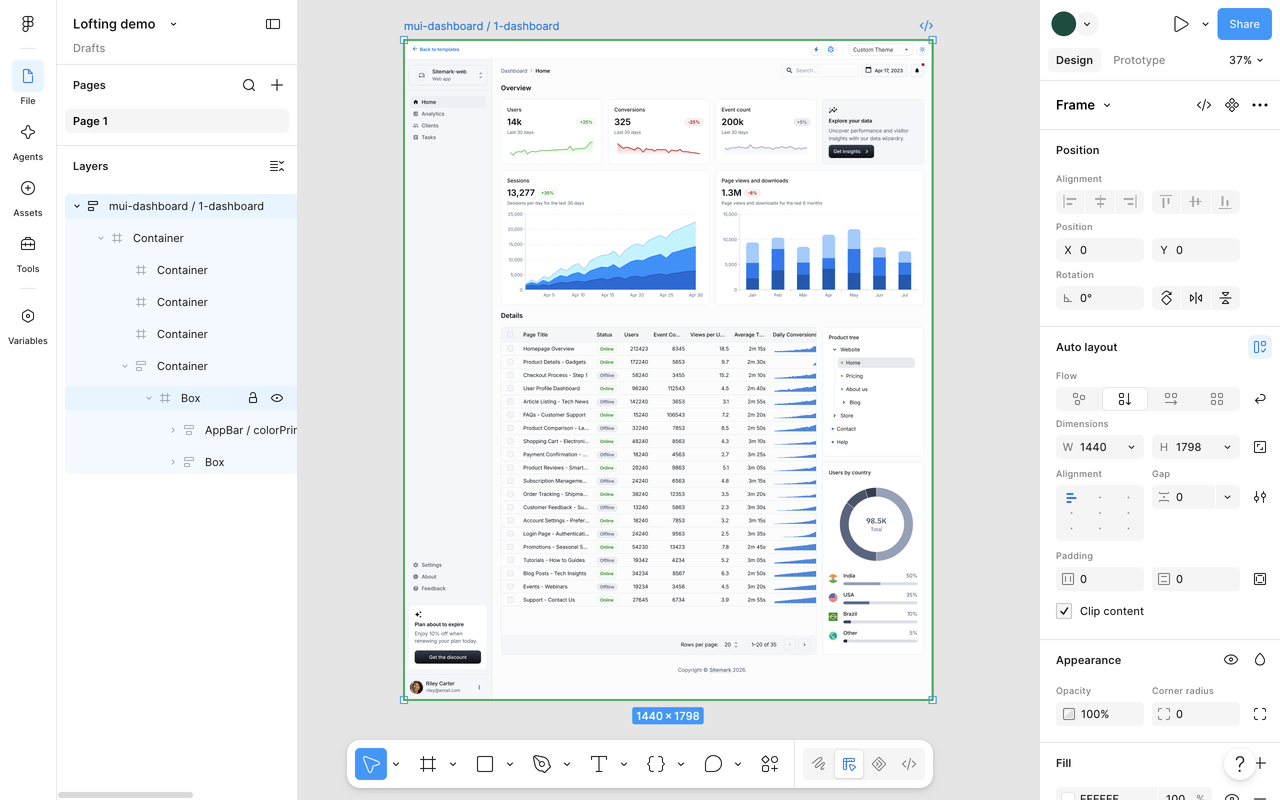
What lands in Figma
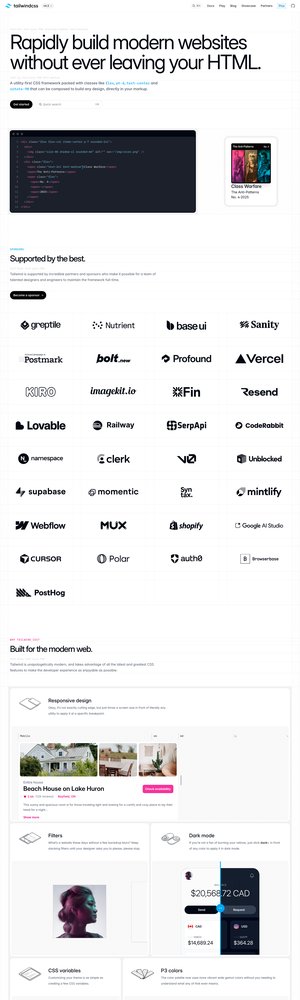 On screenAlso copied
The whole page
Everything down to the footer, including panels that scroll inside the page. You get frames, text you can edit, pictures and icons.
Layers with real names
A button built with MUI, Ant Design, Bootstrap, Mantine, shadcn/ui or Chakra arrives named "Button / contained".

Your own components
If your Figma library has components with the same names, they can paste as real instances of them, with their variants and text.
How it compares
Other tools copy web pages into Figma, and Figma makes one itself. If one of them does what you need, use it.
| OursLofting | Figma's own | html.to.design | Builder.io | |
|---|---|---|---|---|
| Works in Firefox too | Chrome and Firefox | Chrome only | Chrome and browsers built on it | Chrome only |
| Free | With no limit | In every Figma plan | 10 imports, then paid | Importing is free |
| Nothing to install in Figma | It goes through your clipboard | Clipboard too | A plugin, to import from a link | Needs its plugin |
| Uses your library's components | When the names match | Its help page doesn't say | Its site doesn't say | Its guide doesn't say |
| You can install it today | Soon | Yes | Yes | Yes |
| Does something we don't | Imports from a link, at several screen widths, and can apply your local styles | Can take one section of a page |
Read from each product's own pages on 14 November 2026. If we got one wrong, tell us: hello@lofting.dev.
What it won't do
- Work in Safari.
- Paste your library's components into Figma's desktop app without a small helper, which is Mac only for now. In Figma in the browser there's nothing to install.
We can't see your pages
The copy goes to your clipboard and nowhere else. There is no server, no analytics and no tracking. Read the privacy policy.
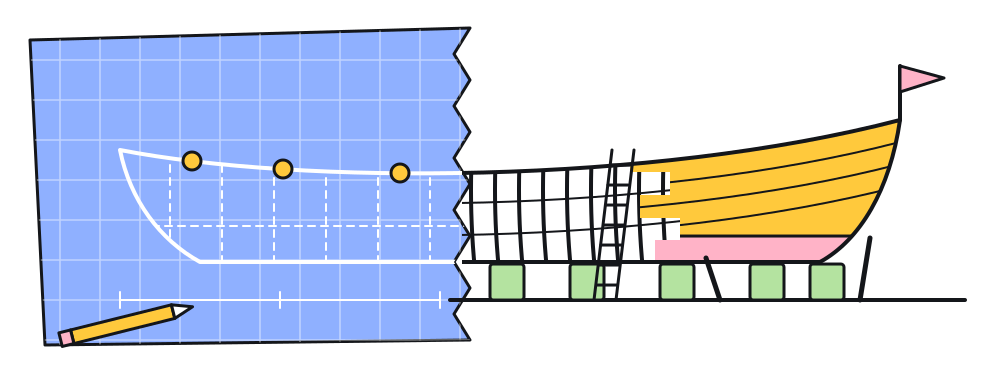 The drawingThe real thing
It's 2026. Design should be as easy as code.
In a shipyard, lofting is drawing a hull's curves on the loft floor at the ship's real size, so that every part can be cut to match the drawing exactly. We want the same between a product and its design file.
Code got fast. A working page can exist by the afternoon, and the design file falls behind it. Lofting starts by closing that gap: one button puts the real page in Figma.
The other tools for this were clunky or paid. This one is free, with no account.
Coming soon
This extension is the first thing from Lofting. Three more are on the way.